Nardex
Long Narde and Backgammon
Download Narde and Backgammon for Android — free
The Nardex app for your phone: Long Narde and Backgammon, games against the AI or live opponents, ratings and game review.

Lobby · Screen 1 of 7
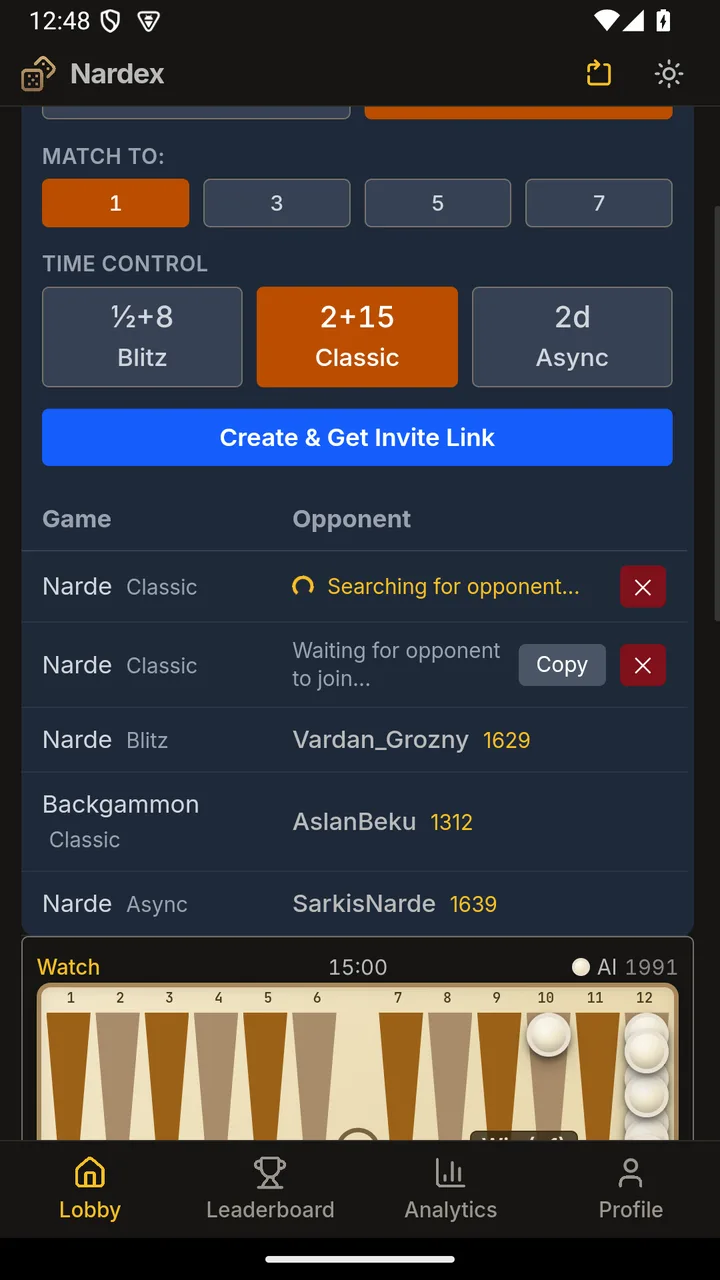
A game in a couple of taps
Pick Long Narde or Backgammon and an opponent: the AI bot, an online player or a friend by link. Time control — Blitz, Classic, Relaxed against the bot or an Async game with a person; matches to 1, 3, 5 or 7 points.
Play the AI · Screen 2 of 7
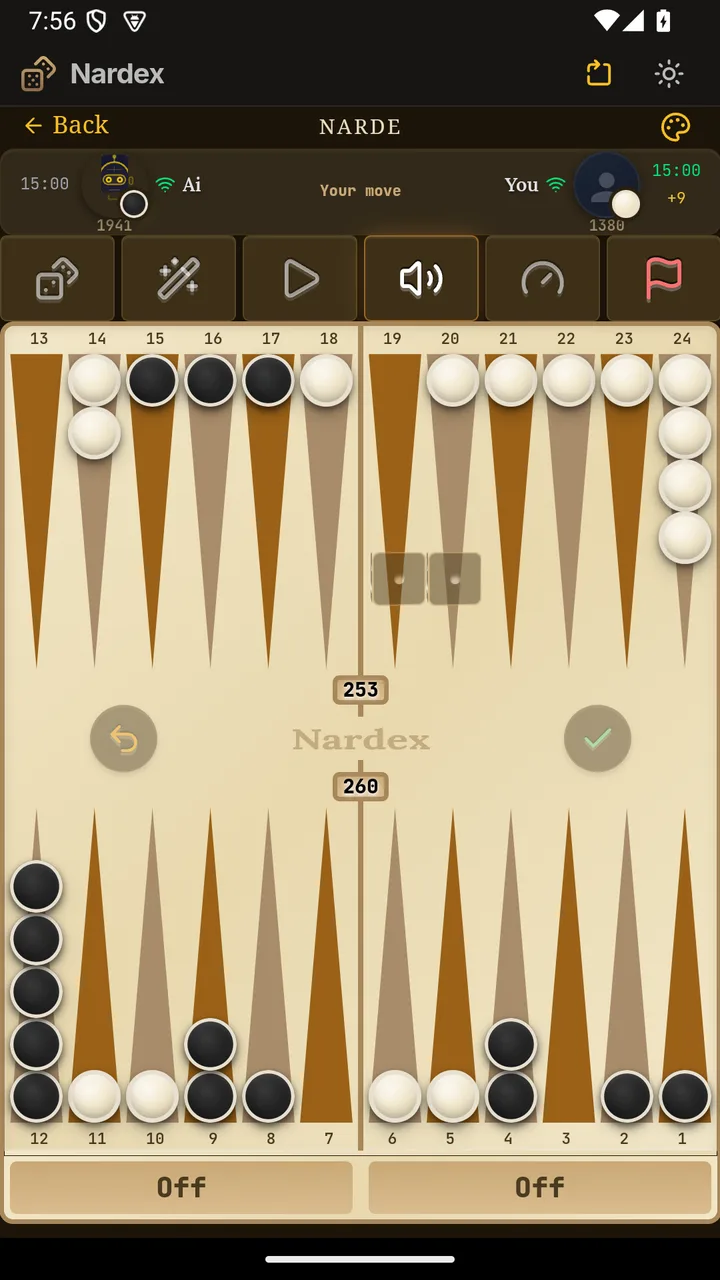
Your opponent: the Nardex neural-network engine
Nardex's own engine plays both Long Narde and Backgammon; for Long Narde it uses separate neural networks for each phase of the game. The doubling cube is on in matches to 3 points and longer, under the official sports rules of the Russian Narde Federation (Ministry of Sports order No. 347).
Ratings · Screen 3 of 7
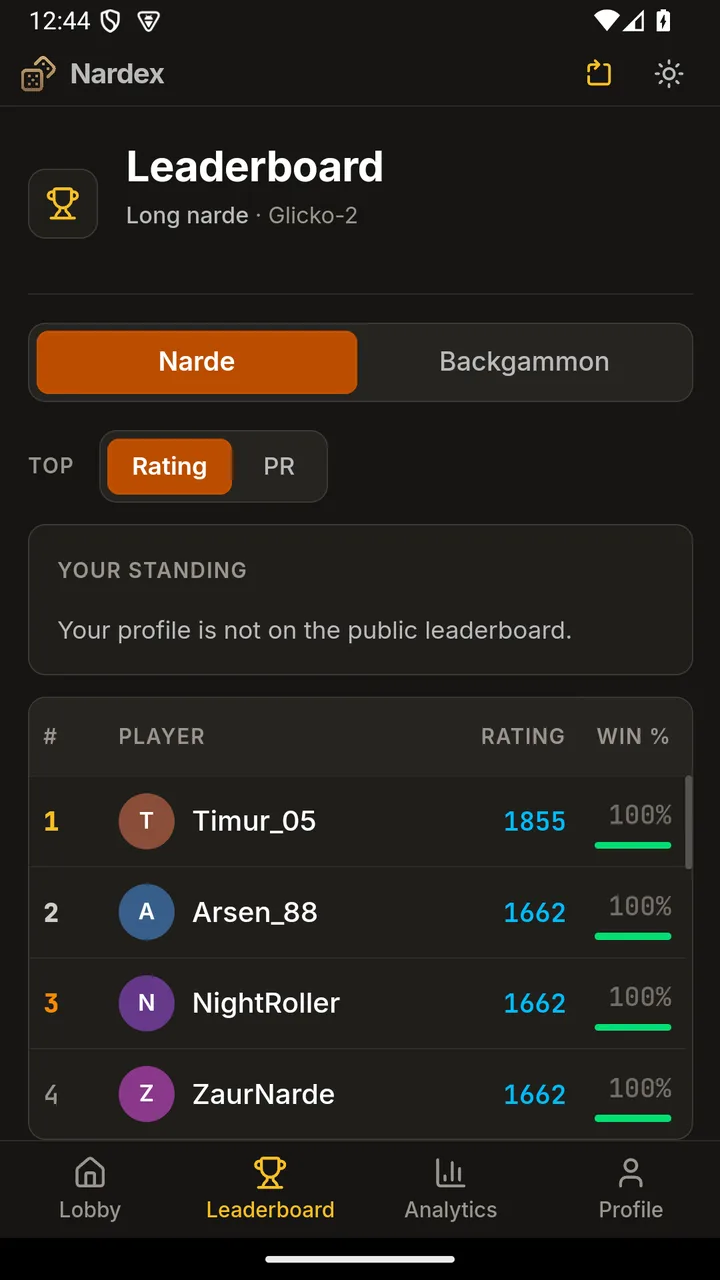
Glicko-2 ratings and a leaderboard
Ratings are recalculated after every rated match. Next to them — tops by accuracy (PR): overall, checker play, cube, and by phase of the game — race and blocking.
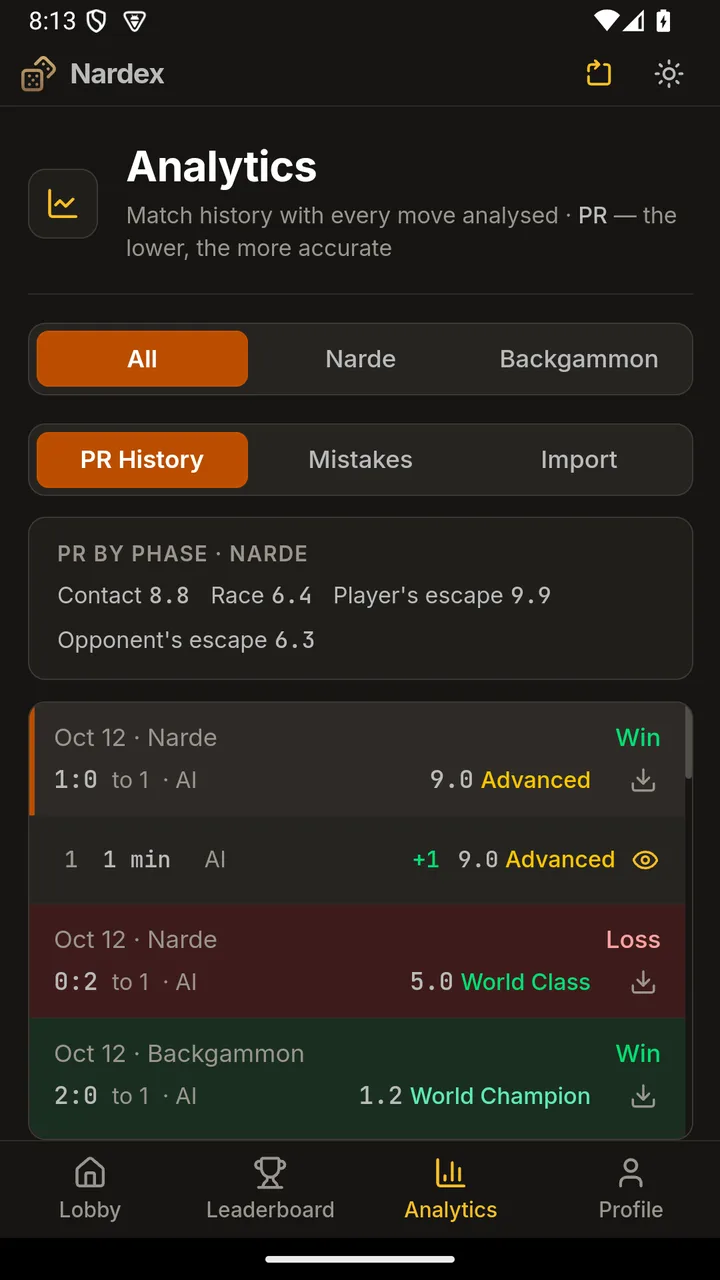
Analytics · Screen 4 of 7
All your games in one list
Game, opponent and result of every match — and its review one tap away. Games from other programs are imported as a .mat or .sgf file.
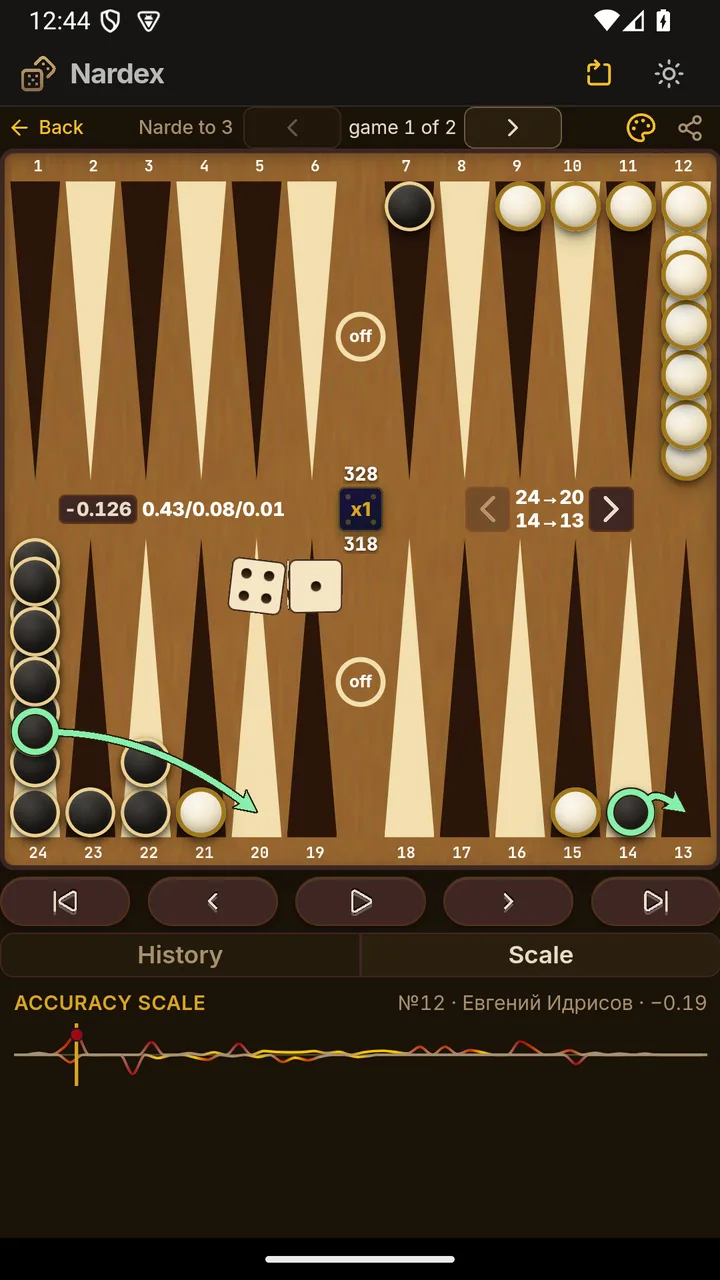
Review · Screen 5 of 7
Every move reviewed by the neural network
The replay shows an accuracy scale move by move, arrows for the best moves and the equity of each one. Doubtful moves, errors and blunders are highlighted, and PR tells you how accurately the game was played.
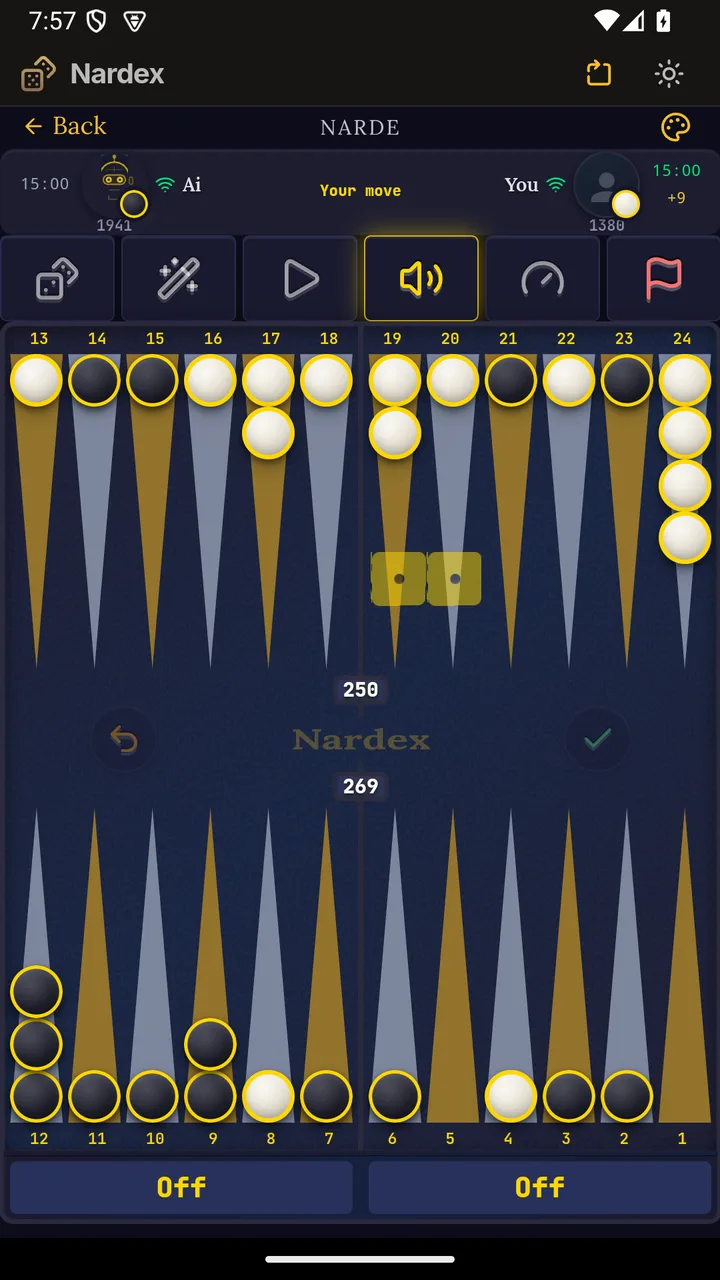
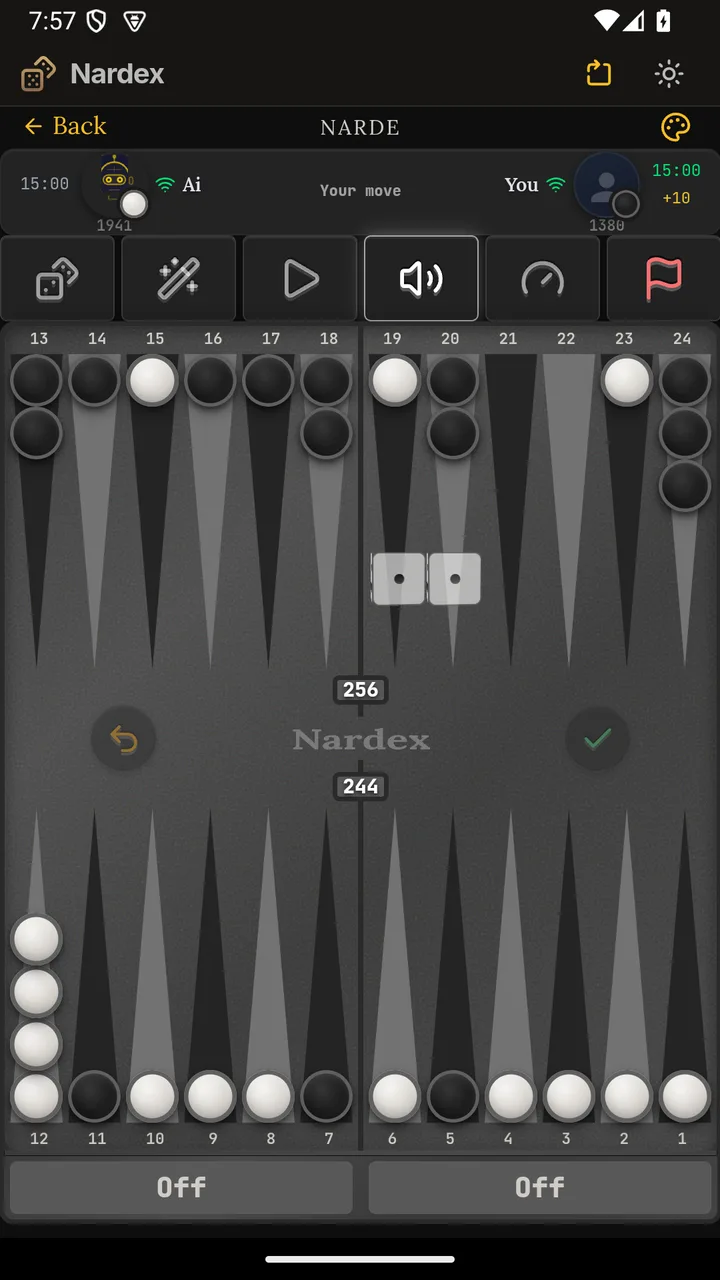
Boards · Screen 6 of 7
A board to your taste
Seven board designs — from classic wood to green felt, marble and granite. You can switch the skin right in the game.
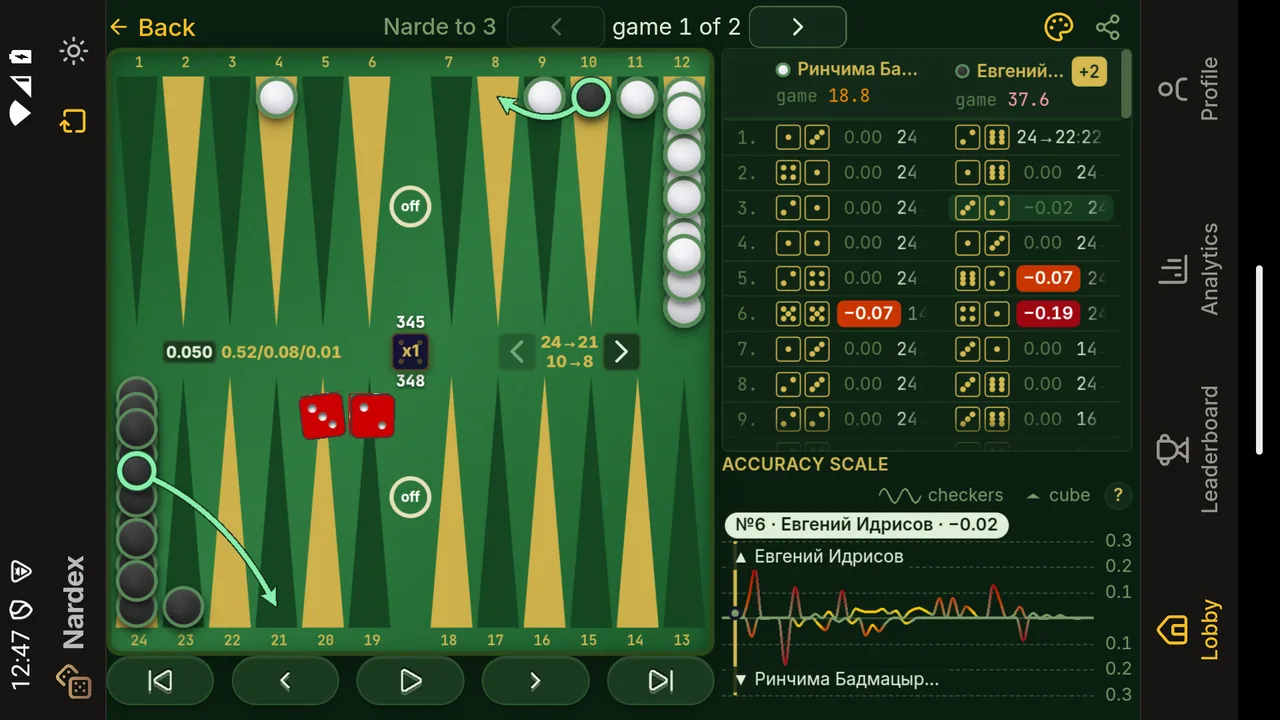
Landscape · Screen 7 of 7
Turn your phone — the board goes full width
The game and the replay turn with the phone held sideways: the board spans the screen, with the accuracy scale and the moves beside it.
How to install it on your phone
- Tap «Download» — the file nardex.apk downloads to your phone.
- Open the file from the download notification or from the Downloads folder.
- If Android asks for permission, allow installing apps from this source — the browser you downloaded the file with. The name of the setting depends on the phone maker.
- Tap «Install» and open Nardex.
To update: download the new APK from this page and install it over the current version.
What you need
- Android 7.0 or newer.
- Internet: games, opponents and the neural-network engine run on the Nardex server; there is no offline mode.
- A portrait screen; the game and the replay turn with the phone.
- The «Android System WebView» component on Chrome 111 or newer; on an older one the app tells you how to update it.
No Android? Play in the browser
On an iPhone or a computer there is nothing to download: the game opens right in the browser, full screen on a phone. Start from the lobby or play against the computer.
It's the same game as on nardex.ai: your account, rating and game history are shared.
FAQ
Is the app free?
Yes. The basic version of Nardex is free — in the app and in the browser.
Do I need to sign up?
No, you can play without signing up; you can sign in with your e-mail and the code from the message at any time.
Does it work without internet?
No. Games, opponents and the neural-network engine run on the Nardex server, so you need an internet connection. There is no offline mode.
How do I update the app?
Download the latest APK from this page and install it over the installed version.
The app won't install — what should I do?
If Android blocks the installation, allow installing from this source for the browser you downloaded the file with. Still no luck — write to support@nardex.ai.